
Formula Generation
Generate, explain and optimize formulas for Excel, Google Sheets, LibreOffice Calc and Airtable from plain English.
Describe the calculation you need and GPTExcel writes the formula. Paste a formula you don't understand and it explains it step by step. There are two places to do this:
- The Formulas tool, for a formula on its own. Quickest when you know what you want.
- Chat, when the formula depends on a file you've uploaded. GPTExcel can see your real column names and sheet names.
The Formulas tool
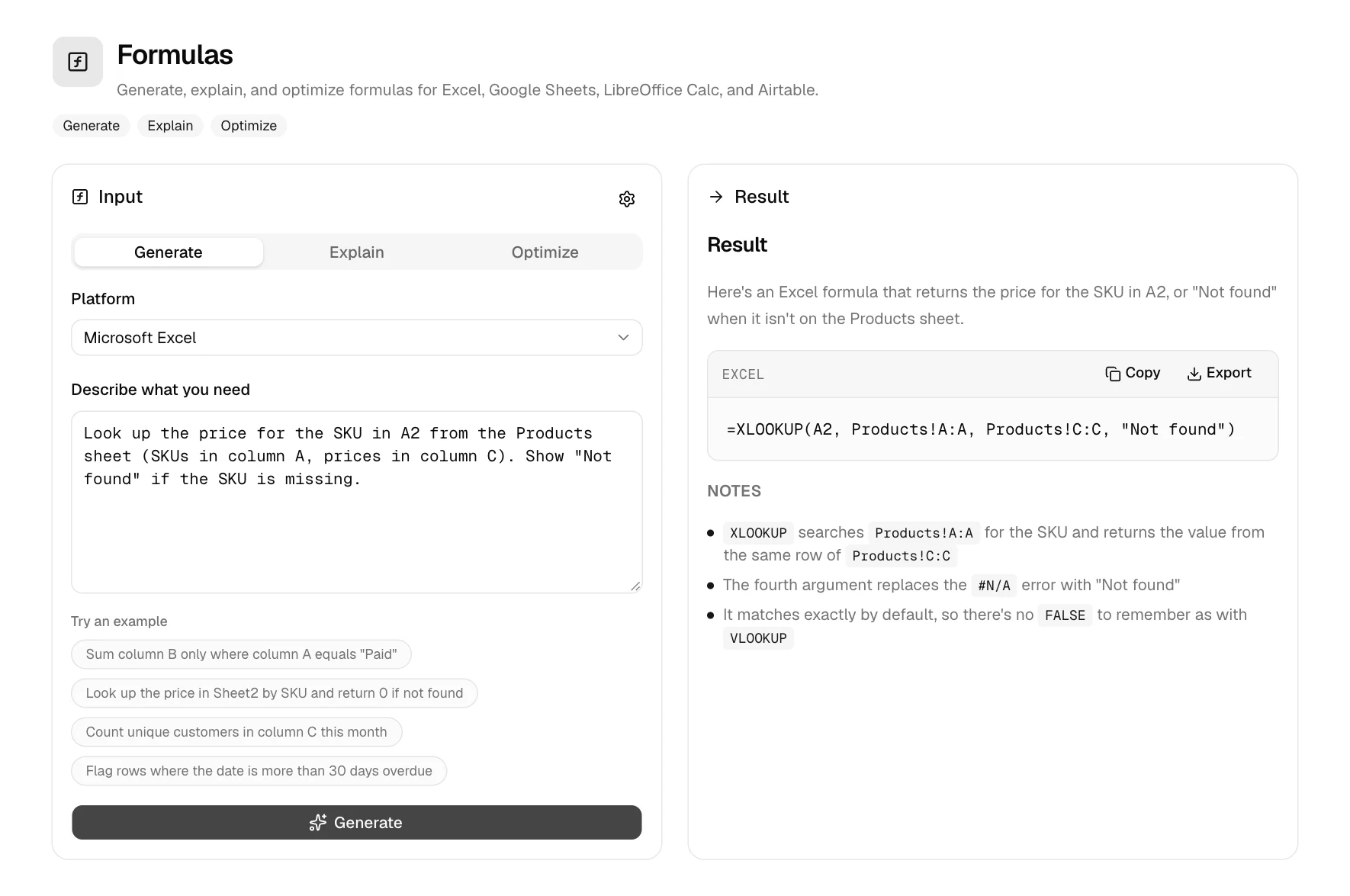
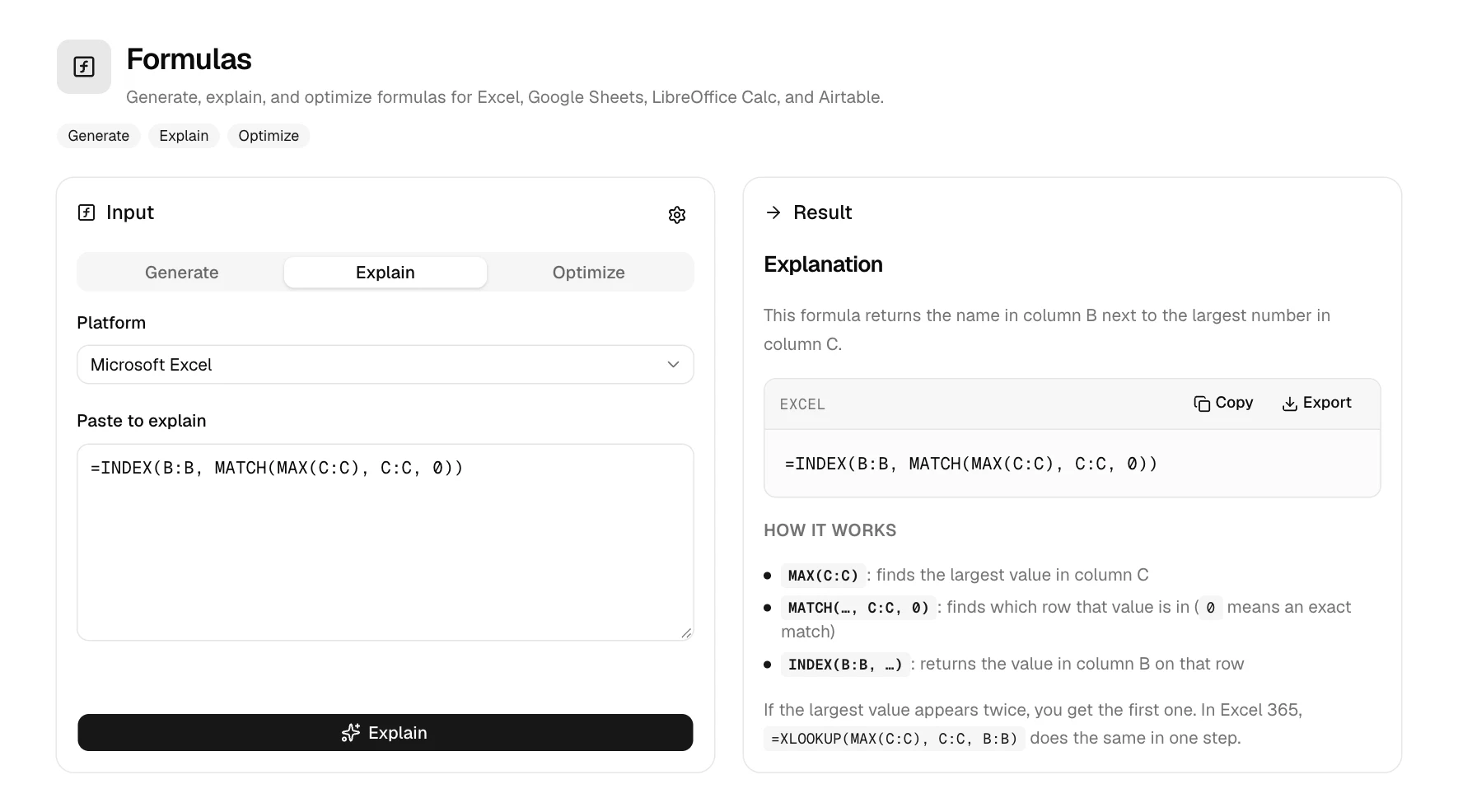
Pick a mode
- Generate: describe the result, get the formula.
- Explain: paste a formula, get a plain-English walkthrough of each part.
- Optimize: paste a slow or messy formula, get a cleaner, faster version and what changed.
Pick your platform
Microsoft Excel, Google Sheets, LibreOffice Calc or Airtable. Functions and syntax differ between them, so the formula is written for the one you choose.
Describe it, or paste it
Then click the button under the box. Short on ideas? Click one of the examples to fill it in.
Formula settings
Click the settings icon next to Input to save your defaults to your account:
| Setting | What it changes |
|---|---|
| Platform | Excel, Google Sheets, LibreOffice Calc or Airtable |
| Formula language | Function names in your spreadsheet's language, for example SUMME instead of SUM in German Excel |
| Argument separator | Comma (,) or semicolon (;), matching your regional settings |
| Version | Which Excel version to target, so you only get functions you have |
| Response language | The language of the explanation |
Example prompts
Lookups
Find the price in Sheet2 column C for the product ID in A2=XLOOKUP(A2, Sheet2!A:A, Sheet2!C:C, "Not found")Conditional totals
Average of column D for rows where B is "West" and C is above 100=AVERAGEIFS(D:D, B:B, "West", C:C, ">100")Text
Extract the domain from the email address in A2=MID(A2, FIND("@", A2) + 1, LEN(A2))Dates
Flag rows where the due date in C2 is more than 30 days ago and status in D2 isn't "Paid"=IF(AND(TODAY() - C2 > 30, D2 <> "Paid"), "Overdue", "")Formulas in Chat
In Chat, GPTExcel can write formulas into a workbook for you, not just show them. After it creates or edits
formulas, the Formula validator recalculates the workbook and checks every formula for errors such as
#REF! or #DIV/0! before you download it.
Ask Chat about a function that's newer than the AI, like Excel's FLATTEN, and it checks Microsoft's or
Google's documentation first, warns you if the function is Beta-only, and links the source. See
New and preview functions.
Tip
Name the cells, columns and sheets involved when you know them ("price in Products!C:C"). A formula built on your real layout needs no adjusting.
More generators
The same generate, explain and optimize modes are available for scripts (VBA, Google Apps Script, LibreOffice Basic, Airtable scripts and Python), SQL and regex.